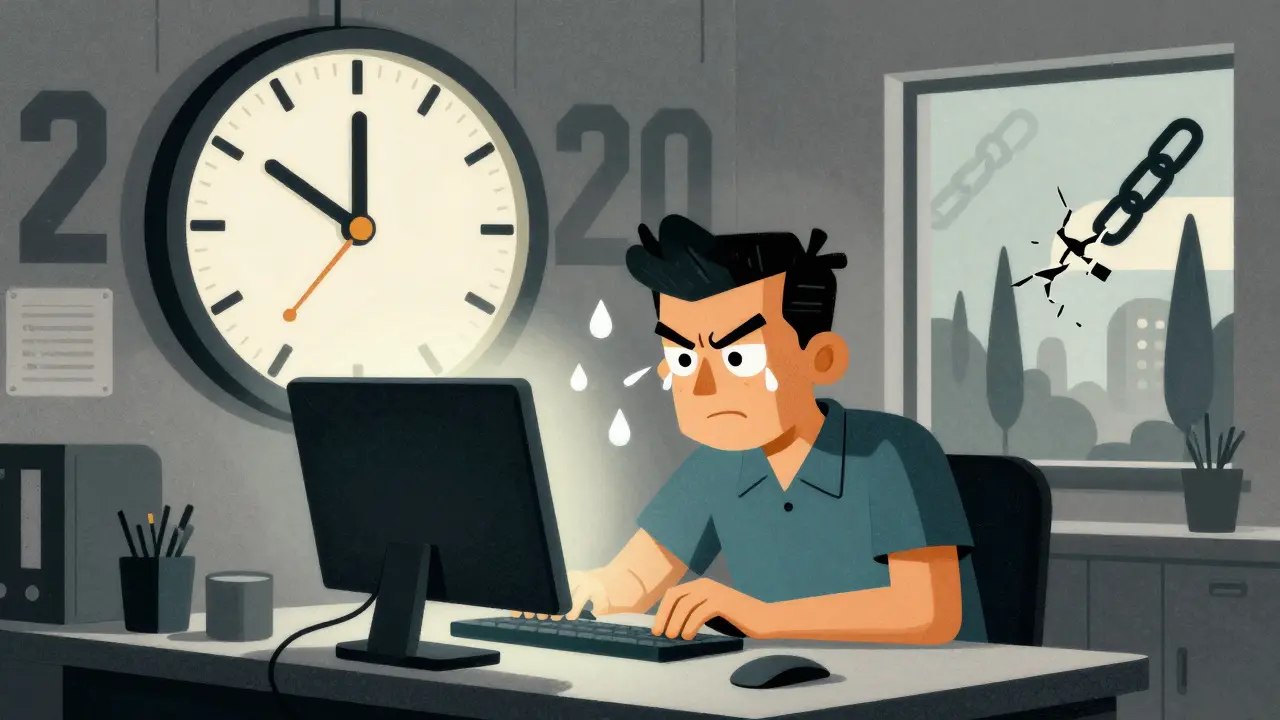
Ever finish a long day at your desk and feel like your eyes have been through a workout? Dry, burning, blurry, or achy? You’re not alone. More than 65% of people who use computers daily experience digital eye strain - also called Computer Vision Syndrome (CVS). It’s not just tired eyes. It’s headaches, neck pain, and that frustrating feeling that you can’t focus, even when you’ve had coffee and a nap. The good news? You don’t need expensive gear or drastic changes to fix it. Simple, science-backed habits can cut your symptoms in half - and fast.
Why Your Eyes Are Suffering
Your eyes weren’t built for screens. Printed text has sharp edges, high contrast, and stable ink. Screens? They’re made of tiny glowing pixels that flicker, blur, and shift. Your eyes work overtime just to keep them in focus. And here’s the kicker: when you stare at a screen, you blink 66% less. That drops your blink rate from 15 times a minute to just 5. Less blinking means your tear film evaporates. Dry, gritty, red eyes? That’s why.Plus, your ciliary muscles - the ones that adjust your lens for focus - stay locked in tight. They’re constantly trying to keep the screen sharp. After a few hours, they fatigue. That’s when your vision blurs, even when you look away. And if your screen is too high, too low, too close, or too bright? You’re adding neck strain, glare, and extra stress to an already overworked system.
Studies show 50-90% of people who use digital devices for more than two hours a day get CVS symptoms. It’s not rare. It’s routine. And it’s getting worse. Global screen time hit nearly 7 hours a day in 2023. Remote work, online learning, and endless scrolling have turned digital eye strain into a silent epidemic.
The 20-20-20 Rule: Your Fastest Fix
The most effective, free, and proven trick? The 20-20-20 rule. Every 20 minutes, look at something 20 feet away for 20 seconds. Sounds too simple? It works. Clinical studies show this single habit reduces eye strain symptoms by 53%.How to make it stick? Use a free app like EyeLeo or Time Out. Set it to remind you every 20 minutes. When it chimes, stand up, stretch, and stare out the window. Don’t just glance at your phone. Look at a tree, a building, the sky - anything far away. Your eyes need that reset. One software developer in Sydney cut his daily headaches from five days a week to just one after using this rule for three weeks.
Don’t wait until your eyes hurt. Set the timer before you feel it. Prevention beats pain every time.
Screen Position: Get It Right, Feel Better
Where you place your screen matters more than you think. If it’s too high, you’re staring up - straining your neck and forcing your eyes to open wider, which dries them out faster. Too low? You hunch. Too close? Your eyes work harder.The sweet spot: the top of your screen should be at or just below eye level. That means your gaze is angled down 15-20 degrees. Think of it like reading a book on a desk - comfortable, natural, relaxed.
Distance? Keep it between 20 and 28 inches (50-70 cm). Use a tape measure if you’re unsure. If you’re squinting, you’re too far. If you’re leaning in, you’re too close. Adjust your chair or monitor stand until it feels effortless.
One graphic designer in Melbourne eliminated her chronic neck pain in just 10 days by raising her laptop with a stack of books and tilting it slightly back. No medication. No doctor. Just better positioning.
Lighting: Kill the Glare, Not the Screen
Bright overhead lights? Windows behind your monitor? These are the enemy. They create glare that cuts screen contrast by up to 50%. Your eyes struggle even harder to read.Here’s what to do:
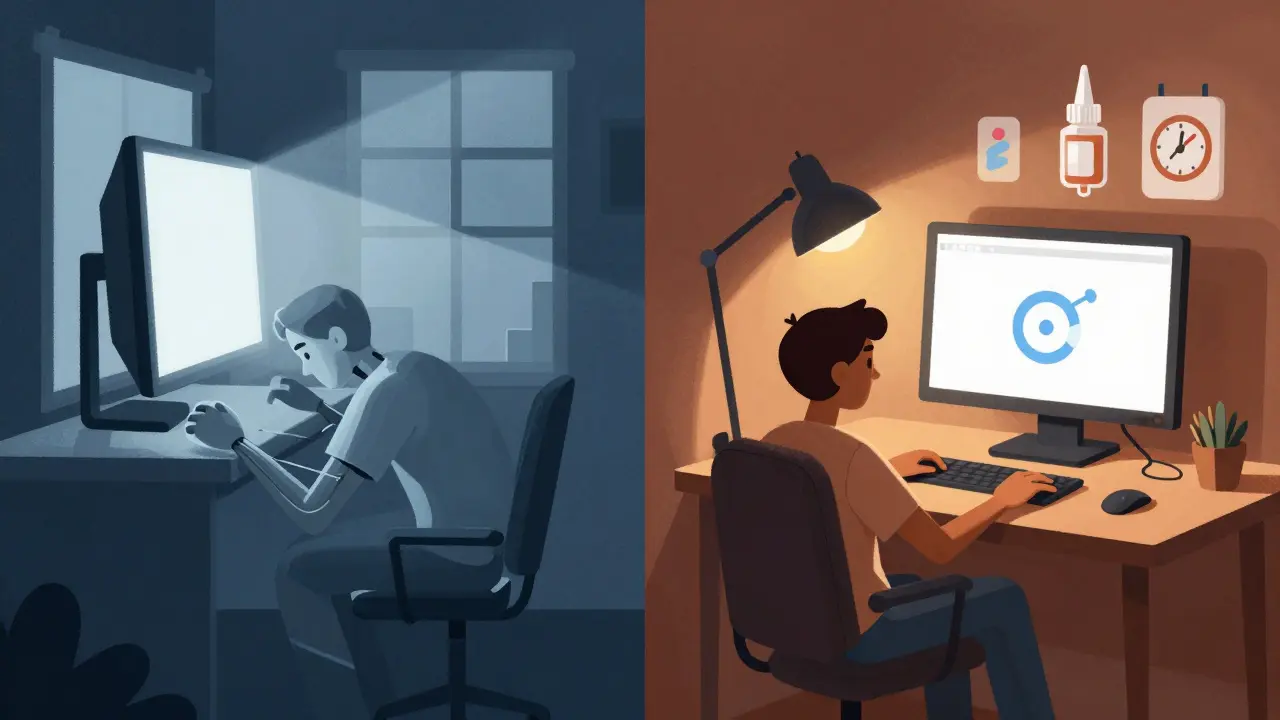
- Turn off harsh fluorescent lights. Use a desk lamp with warm light instead.
- Position your screen at a right angle to windows - never facing them or with them behind you.
- Lower your screen brightness to match the room. If it feels too bright or too dim compared to your surroundings, it’s wrong.
- Use the “Night Light” feature on Windows or macOS. It reduces blue light after sunset, which helps your eyes relax.
Target ambient lighting between 300-500 lux. That’s about half the brightness of a typical office. You’ll notice your eyes feel calmer within days.
Blue Light Glasses: Do They Work?
You’ve seen them everywhere. Blue light glasses. They promise relief. But here’s the truth: the science is mixed.Some studies show a 28% reduction in eye strain with blue light filtering lenses. Others, including double-blind trials from the American Academy of Ophthalmology, show only 15% more benefit than regular clear lenses - barely above placebo.
So who benefits? People with pre-existing dry eyes. In online forums, 47% of users with chronic dry eye reported over 50% symptom improvement. But if your eyes are fine and you’re just tired? You might not notice much.
Also, some people complain of color distortion - everything looks yellowish. And they cost $25-$150. If you’re going to try them, get them from an optometrist who can test your vision first. Don’t buy random ones off Amazon.
Bottom line: Blue light glasses aren’t magic. But they can help - especially if you’re already struggling with dry eyes or work late into the night.
Artificial Tears: The Simple Moisture Fix
Dry eyes are one of the most common CVS symptoms. And the fix is cheap, easy, and fast: artificial tears.Use preservative-free lubricating eye drops - like Systane Ultra or Refresh Optive - 2 to 4 times a day. No prescription needed. You can buy them at any pharmacy.
Clinical data shows 78% of users saw improvement within a week. No side effects. No waiting. Just relief.
Pro tip: Don’t wait until your eyes burn. Start using them before your workday begins. Keep a bottle on your desk. Use one after lunch. Make it part of your routine - like drinking water.
Get Your Eyes Checked - Really Checked
Here’s the biggest mistake people make: assuming their 20/20 vision is enough.Up to 70% of CVS cases are caused by uncorrected vision problems - like tiny amounts of astigmatism, early presbyopia (age-related focus loss), or mismatched prescriptions. Your regular eye exam might not test for screen use.
Ask your optometrist for a computer vision exam. They’ll check your focus at 20-28 inches, test your blink rate, and see if you need a special pair of glasses just for screens. These aren’t reading glasses. They’re optimized for intermediate distance - the exact spot your monitor sits.
One university student in Sydney thought blue light glasses were the answer. They helped for a month. Then the symptoms came back. Her eye exam revealed she had mild astigmatism she didn’t know about. After getting the right prescription, her headaches vanished.
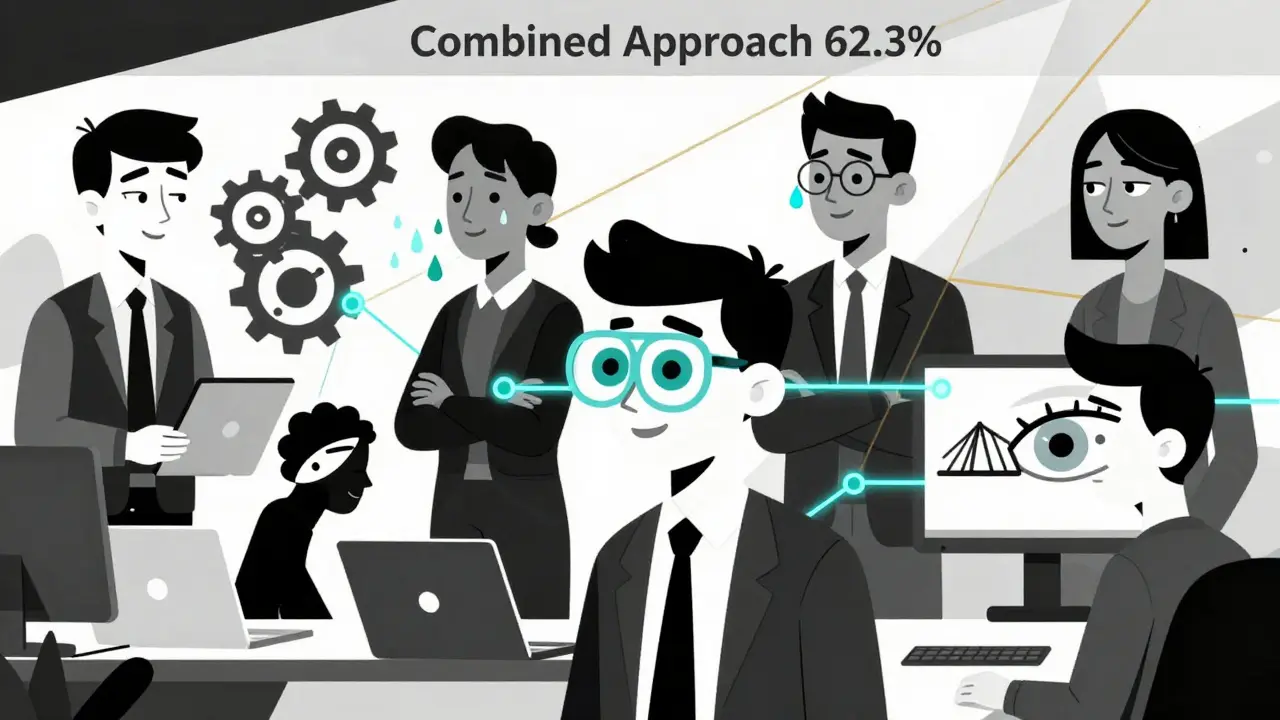
What Actually Works: The Combined Approach
No single fix solves everything. But when you combine them? Results explode.A 2022 NIH study tracked 400 people with CVS. One group tried only the 20-20-20 rule. Another used only blue light glasses. A third did both - plus ergonomic adjustments and eye drops.
The results? The single-intervention groups saw 30-40% symptom reduction. The combined group? 62.3% improvement.
That’s the secret. You don’t need to do everything perfectly. Just pick three:
- 20-20-20 rule
- Proper screen height and distance
- Preservative-free eye drops
Do those three for two weeks. You’ll feel the difference.
What’s Changing in 2026
The world is catching on. In 2023, the FDA approved the first prescription eye drop - EYSUVIS - specifically for dry eye caused by screen use. Apple and Dell now build “eye care” tech into their monitors: auto-brightness, flicker-free panels, and blue light filters built into the hardware.More than 68% of Fortune 500 companies now include CVS prevention in their workplace wellness programs. That’s up from 22% in 2019. Employers know it’s not just about comfort - it’s about productivity. Studies show CVS can reduce focus and output by up to 20%.
And the trend is clear: as screen time keeps rising, CVS prevention is becoming as normal as brushing your teeth. No longer optional. Essential.
Is Computer Vision Syndrome permanent?
No. CVS symptoms are temporary and improve once you reduce screen strain. If you follow the 20-20-20 rule, adjust your screen, and use eye drops, most people feel better within days to weeks. But if you keep ignoring it, symptoms can worsen and lead to chronic dry eye or headaches. It’s not damage to the eye structure - it’s fatigue. Rest it, and it recovers.
Can children get Computer Vision Syndrome?
Yes. Kids are just as vulnerable - even more so because their eyes are still developing. Screen time for children under 12 has increased dramatically since 2020. Symptoms include squinting, rubbing eyes, complaints of blurry vision, or avoiding screen use. Parents should enforce the 20-20-20 rule, limit non-school screen time, and ensure proper screen height. Annual eye exams are critical for kids who use tablets or laptops daily.
Do I need special computer glasses?
Not necessarily. If your regular glasses or contacts are up to date and you follow ergonomic habits, you may not need them. But if you’re over 40, have trouble focusing on screens, or feel eye fatigue even with good lighting, a computer-specific prescription can help. These glasses are designed for the 20-28 inch distance - not reading or driving. Ask your optometrist for a dedicated computer lens. They’re different from blue light glasses.
Can blue light from screens damage my eyes?
There’s no evidence that blue light from screens causes permanent eye damage. The real issue is how it affects your sleep and contributes to eye strain. Blue light suppresses melatonin, which can make it harder to fall asleep if you’re on devices before bed. That’s why using Night Light mode in the evening helps. But it won’t fix dry eyes or muscle fatigue. Focus on blinking, distance, and breaks - not just blue light filters.
How long does it take to see results from CVS prevention?
Most people feel relief within 3-7 days if they stick to the basics: 20-20-20 rule, screen positioning, and eye drops. Headaches and neck pain often improve faster. Dry eye symptoms may take up to two weeks to fully settle. The key is consistency. One missed day won’t ruin progress, but skipping it daily will keep symptoms alive.
Next Steps: Start Today
You don’t need to overhaul your life. Just do three things tomorrow:- Set a timer to remind you every 20 minutes to look away for 20 seconds.
- Move your screen so the top is at eye level or slightly below.
- Buy a bottle of preservative-free eye drops and use them twice a day.
That’s it. No apps to download. No expensive gear. Just small, smart changes. In a week, you’ll notice your eyes feel lighter. Your headaches will fade. You’ll focus longer. And you’ll realize - you didn’t need to suffer to get through your workday.