

FDALabel Filter Simulator
FDALabel Search Simulation
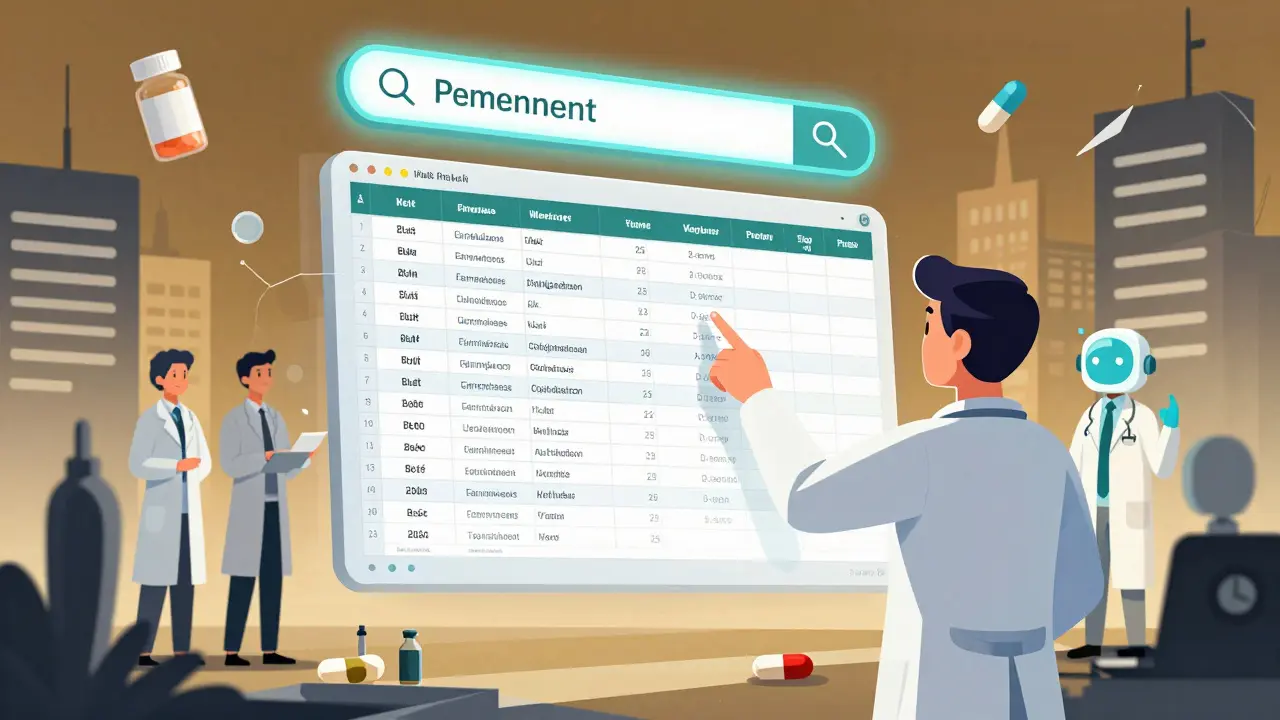
Imagine you’re a pharmacist checking a new prescription. The patient is on five medications. You need to know if any of them can cause acute liver failure - not just in general, but exactly how it’s worded in the official FDA label. Or maybe you’re a researcher tracking how often a specific side effect shows up across 20 different drugs. You could spend hours flipping through PDFs. Or you could use FDALabel - the FDA’s own free tool that lets you search the full text of over 149,000 drug labels in seconds.
What Is FDALabel and Why Does It Matter?
FDALabel is not a marketing site or a third-party database. It’s the official, government-run search engine for FDA-approved drug labeling documents. Built and maintained by the FDA’s National Center for Toxicological Research, it pulls data directly from the agency’s Structured Product Labeling (SPL) archive. That means every label you find here is the exact version submitted by the manufacturer and approved by the FDA. No summaries. No interpretations. Just the raw, legal text.
It’s updated twice a month, so if a drug gets a new boxed warning or a dosage change, FDALabel reflects it within weeks. As of July 2024, it holds more than 149,000 documents covering human prescription drugs, over-the-counter (OTC) medicines, biologics, and even animal drugs. That’s not just a lot of data - it’s the entire universe of FDA-approved labeling.
Compare that to Drugs@FDA, which tells you when a drug was approved and what patents it holds. Or DailyMed, which shows you the label but doesn’t let you search inside it. FDALabel is the only public tool that lets you type in a phrase like “acute liver failure” and find every label where those exact words appear - not just in the whole document, but only in the Boxed Warning section.
How to Search FDALabel Like an Expert
At first glance, the FDALabel interface looks simple: a search bar and a few filters. But the real power is in knowing where to look and what to type.
Start with the basics. Type in a drug name - say, “metformin.” You’ll get a list of all metformin products, from generic versions to extended-release tablets. Each result shows the brand name, active ingredient, applicant type (NDA, ANDA), and product category. Click any one, and you’ll see the full label.
But here’s where most people miss out: use section filters. Instead of searching the whole label, narrow it down. Need to know which drugs carry a black box warning for pancreatitis? Click “Search within section” and choose “Boxed Warning.” Then type “pancreatitis.” You’ll get a clean list of exactly those drugs - no fluff.
Same goes for “Adverse Reactions,” “Drug Interactions,” or “Warnings and Precautions.” If you’re studying a side effect like QT prolongation, you can search just that section across hundreds of drugs at once. No other public tool does this.
Advanced Filters That Save Hours
FDALabel lets you combine filters like Lego blocks. Want all human prescription drugs approved under a New Drug Application (NDA) that contain lithium and mention “renal impairment” in the Adverse Reactions section? You can build that search.
Here are the key filters:
- Application Type: NDA (new drug), ANDA (generic), BLA (biologic)
- Product Category: Human Prescription, OTC, Animal
- Pharmacologic Class: Search by drug class like “SSRIs” or “ACE inhibitors” - even if the brand name isn’t obvious
- MedDRA Terms: Use standardized medical terminology for adverse events (e.g., “hepatotoxicity” instead of “liver damage”)
MedDRA is a global standard for coding side effects. If you’re doing safety research, you’ll need it. FDALabel lets you search using these codes directly. Type in “Hepatobiliary disorders” and you’ll pull up every label that uses that exact MedDRA term - not just “liver injury” or “jaundice.” This is huge for researchers comparing how different companies report the same issue.

Export and Save Your Searches
Version 2.9, released in July 2024, added a game-changing feature: Excel export. Before, you could only download results as CSV - fine for tech-savvy users, but messy if you’re trying to share findings with a team.
Now, when you run a search, you can click “Export Results” and get a full Excel file. The first sheet has your results: drug names, manufacturers, label IDs. The second sheet? It includes the exact search link, the direct URL to each label, and the date and time you exported it. That means you can send a colleague a file, and they can click any link to see exactly what you saw - no re-searching needed.
And here’s the secret weapon: permanent query links. After running a search, copy the URL from your browser’s address bar. That link saves your exact filters and keywords. Bookmark it. Email it. Share it with your lab. If the FDA updates the database next month, that link still works - and shows you the latest results. No need to rebuild your search from scratch.
How Professionals Use FDALabel Every Day
Regulatory affairs teams at pharma companies use FDALabel to check competitors’ labels. If a rival drug adds a new contraindication, they can spot it fast and adjust their own labeling strategy. Researchers use it to study trends - like how often drugs for depression now include warnings about weight gain, compared to five years ago.
One 2023 study, published in PMC, built a tool called AskFDALabel that connects FDALabel to AI models. Instead of typing “list all drugs with suicidal ideation,” researchers could ask in plain English: “Which antidepressants have the highest risk of suicidal thoughts?” The system used FDALabel to pull the actual labels, then the AI interpreted them. It worked - and proved FDALabel is the backbone for the next generation of drug safety tools.
Even clinicians use it. A doctor in Texas told a medical journal she used FDALabel to confirm whether a rare side effect in a patient’s medication was documented - and found it buried in the “Adverse Reactions” section of three different labels. She later shared the search link with her pharmacy department.
What FDALabel Can’t Do (And What to Use Instead)
FDALabel is powerful - but it’s not magic. It won’t tell you the price of a drug. It won’t show you how many prescriptions were filled last month. It won’t integrate with your electronic health record. For that, you need commercial tools like IQVIA or Clarivate.
It also doesn’t explain things in plain language. If you’re not familiar with terms like “NDA” or “MedDRA,” the interface can feel overwhelming. That’s why the FDA provides a Quick Start Manual - and why it’s worth reading. It walks you through real examples, like how to find all drugs with “acute liver failure” in the Boxed Warning. That search, back in 2018, returned 66 results. Today, it’s probably more.
And while FDALabel is free and official, it’s not customer service-ready. There’s no live chat. No help desk. If something breaks, you can’t call. But you can join the FDALabel mailing list - updates on new features, maintenance, and changes come through there. The July 2024 version update even said it was built from user feedback. That means your voice matters.
Getting Started: Quick Steps
Here’s how to start using FDALabel today:
- Go to www.fda.gov/FDALabelTool or nctr-crs.fda.gov/fdalabel
- Start with a simple search: type a drug name or condition
- Click “Search within section” to narrow to Boxed Warning, Adverse Reactions, or Drug Interactions
- Use filters for Application Type or Pharmacologic Class if you need precision
- Run your search, then click “Export Results” to get Excel or CSV
- Copy the URL - that’s your permanent link to this exact search
Pro tip: Bookmark the search link after your first successful query. You’ll thank yourself next week.
Future of FDALabel: AI and Beyond
The FDA isn’t resting. The July 2024 update was just the latest in a steady stream of improvements. The database has grown nearly 50% since 2018 - from 100,000 to 149,000+ labels. That growth isn’t accidental. It’s driven by demand.
Future updates may include better visualization tools - think charts showing how often a side effect appears across drug classes. Or deeper AI integration. The AskFDALabel project already shows what’s possible: natural language questions answered by pulling real label data. That’s the future - and FDALabel is the foundation.
For now, it remains the most complete, accurate, and free source of FDA drug labeling in the world. Whether you’re a researcher, pharmacist, regulator, or curious patient - if you need to know what’s written in the official label, FDALabel is your only real tool.
Is FDALabel free to use?
Yes, FDALabel is completely free and publicly accessible. There are no subscriptions, login requirements, or fees. It’s funded and maintained by the U.S. Food and Drug Administration as part of its mission to provide transparent access to drug information.
How often is FDALabel updated?
FDALabel is updated twice a month with new and revised drug labels submitted by manufacturers to the FDA. This ensures the database reflects the most current labeling information, including new warnings, dosage changes, or added contraindications.
What’s the difference between FDALabel and Drugs@FDA?
Drugs@FDA shows approval history, patent info, and marketing status - but not the full text of drug labels. FDALabel gives you the actual labeling documents, with full-text search and the ability to search within specific sections like Boxed Warnings or Adverse Reactions. If you need to read what’s written in the label, FDALabel is the tool.
Can I search for side effects across multiple drugs?
Yes. Use the “Search within section” feature and select “Adverse Reactions.” Then type in a specific side effect, like “seizures” or “hypotension.” FDALabel will return every drug label where that exact term appears in that section. You can also use MedDRA terms for more precise searches.
Do I need to know medical terminology to use FDALabel?
Basic searches - like typing a drug name - are easy for anyone. But to get the most out of it, especially for research or regulatory work, familiarity with terms like NDA, ANDA, MedDRA, and pharmacologic classes helps. The FDA’s Quick Start Manual is a great free resource to learn these.
Can I export search results to Excel?
Yes. Since the July 2024 update (Version 2.9), FDALabel allows you to export results as Excel files. Each export includes two sheets: one with the search results, and another with metadata like the query link, result link, and export timestamp - making it easy to share and reproduce searches.
Is FDALabel reliable for clinical decisions?
FDALabel provides the official FDA-approved labeling text, which is the most authoritative source for drug information. However, it doesn’t offer clinical guidance or interpretation. Always consult prescribing guidelines and your healthcare provider before making treatment decisions based on label data.
What if I can’t find a drug in FDALabel?
If a drug isn’t listed, it may not yet have an approved label in the SPL system - which happens with very new drugs or those still under review. FDALabel only includes labels that have been formally submitted and accepted by the FDA. Check Drugs@FDA to confirm if the drug is approved.
For ongoing updates, subscribe to the FDALabel mailing list via the FDA website. New features, maintenance alerts, and training resources are shared there first. If you’re working with drug labeling - whether professionally or personally - FDALabel isn’t just useful. It’s essential.



13 Comments
Used it yesterday to check a combo my grandma's on and found a hidden interaction in the boxed warning that her pharmacist missed
like why do i need to know every tiny side effect in the label? they just want us to be scared and not take anything
also i think they’re tracking who searches for what... just saying